Quick start
One page to print and keep by the counter. or download the PDF.
RepairAheadQuick start for shops · repairahead.com/help
From VIN to approved work
- Sign in at repairahead.com/login with your shop’s email. We email a one-time link (works once, 20 minutes). No password. You stay signed in 30 days on that device.
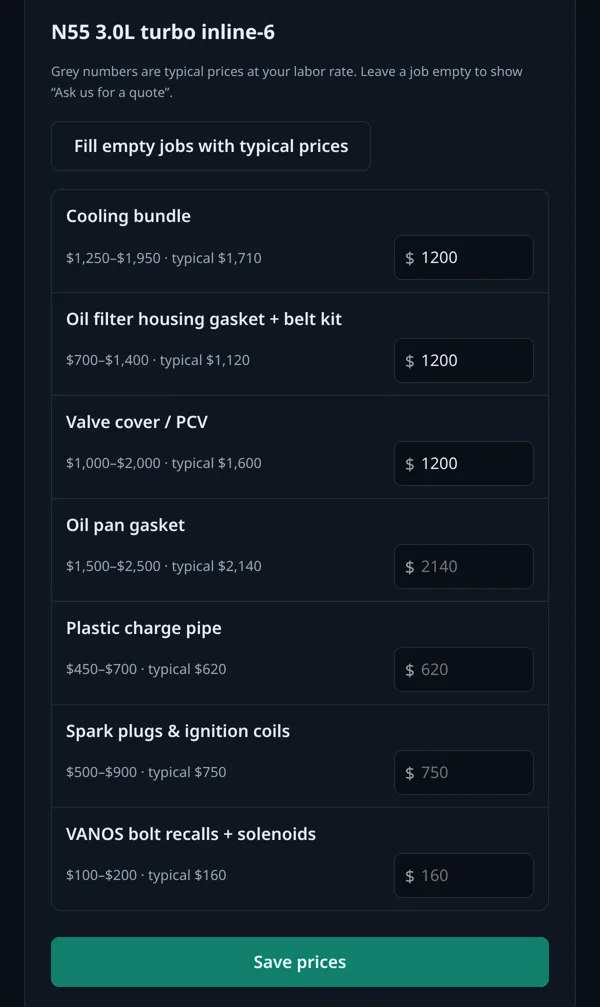
- Set prices once. Dashboard → Set up your prices: your labor rate and check / diagnostic fee, how prices show (optional “From $X”), and your shop terms. Every job starts from a typical price you can change.
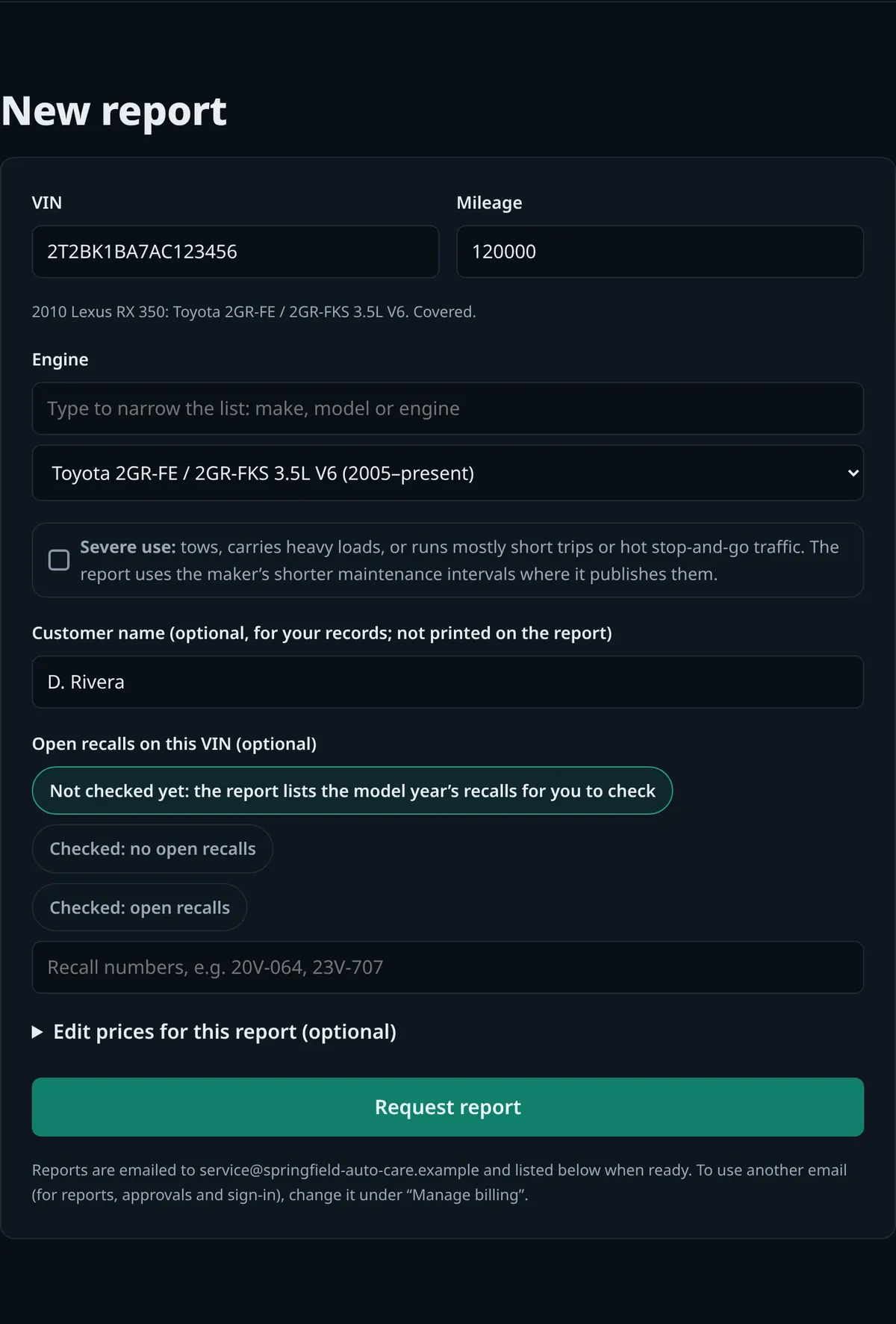
- Run a report. Dashboard → type the VIN (we check it and pick the engine) → mileage → Request report. Optional: severe use, customer name, recall check, prices for this car only.
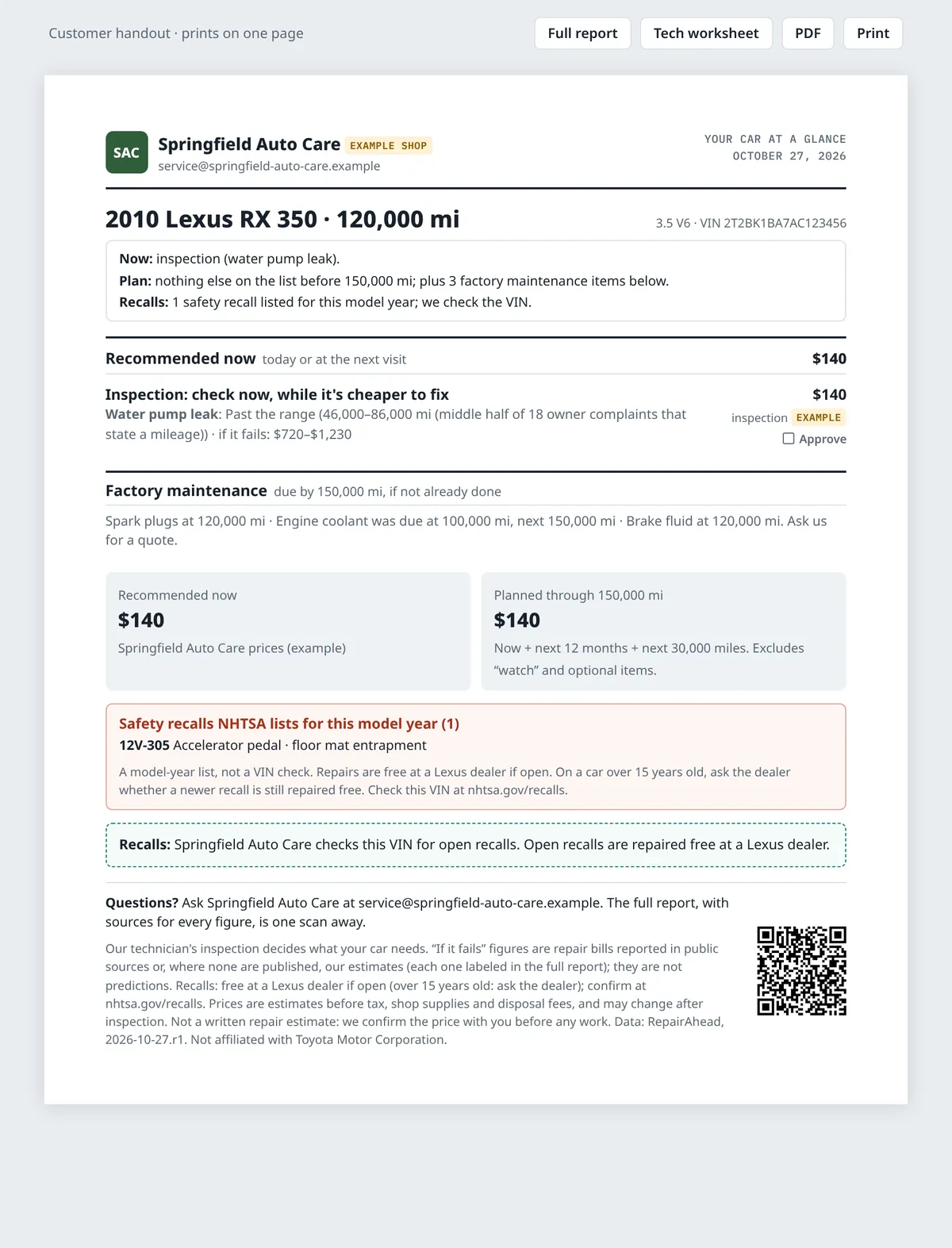
- Open the email (a couple of minutes): handout, worksheet and full report as PDFs, plus the customer’s link.
- At the counter: walk the customer through the one-page handout. “Check now” = inspect at your inspection price before quoting. Anything “may be free at the dealer” goes first.
- In the bay: the worksheet gives your tech the checks, codes and part numbers. Your tech decides what the car needs.
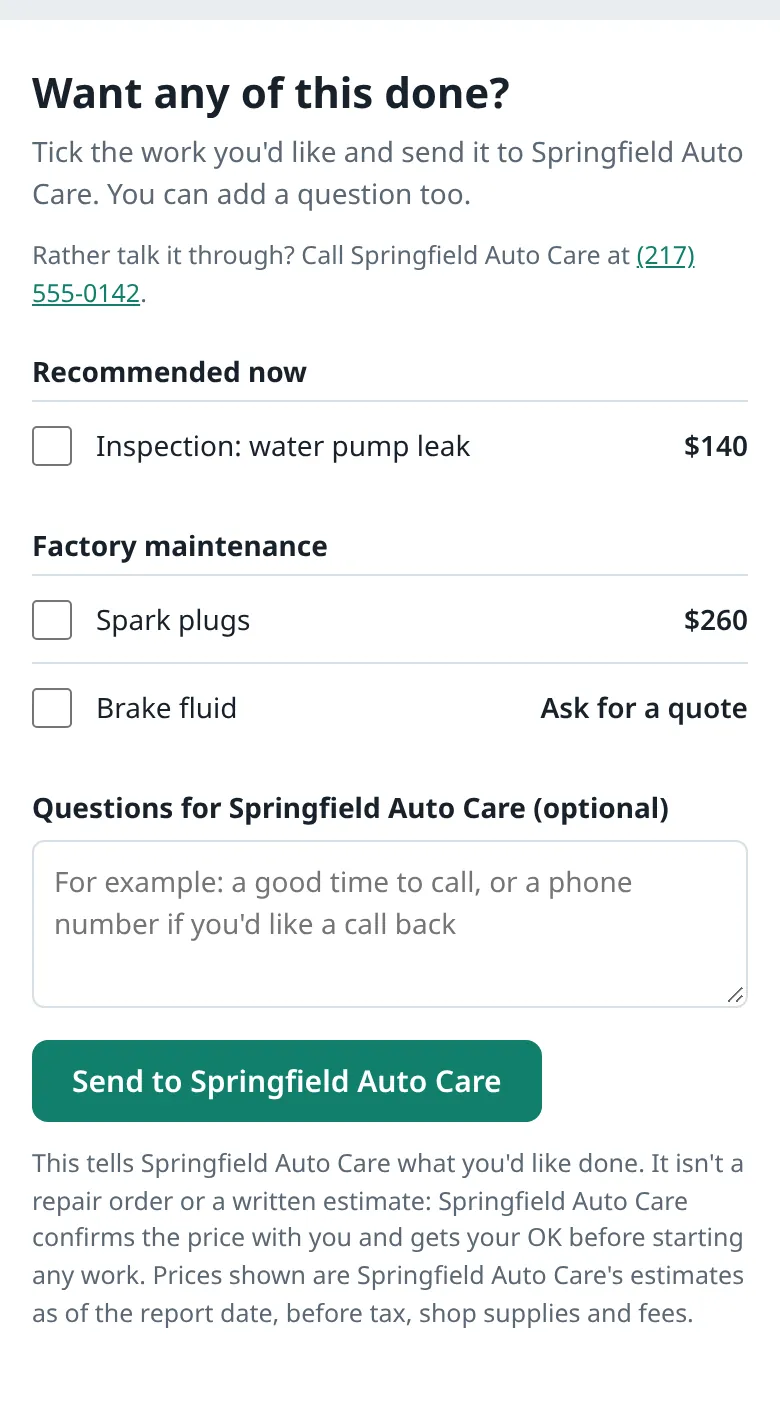
- After the visit: report page → Text it to your customer. They tick work and press Send; you get an “Approved” email. Call to confirm the price and time.
- Record what happened: on each report page, mark a job Sold, Declined (it stays in due-work reminders), Not wanted or Already done (it’s left off this car’s next report until it’s due again). Sold jobs count in your monthly email. Every plan: due-work list and new-recall alerts on the dashboard and by email. Pro adds free-coverage alerts and Tomorrow’s cars.
Counts as a report
One VIN at one mileage. Same VIN again within 30 days: free. Not covered, failed or unbuilt “pick the engine”: free.
Billing
Dashboard → Manage billing, plan and invoices: change plan, yearly billing, card, email, invoices, cancel.
Help
repairahead.com/help · hello@repairahead.com (send the last 6 of the VIN).