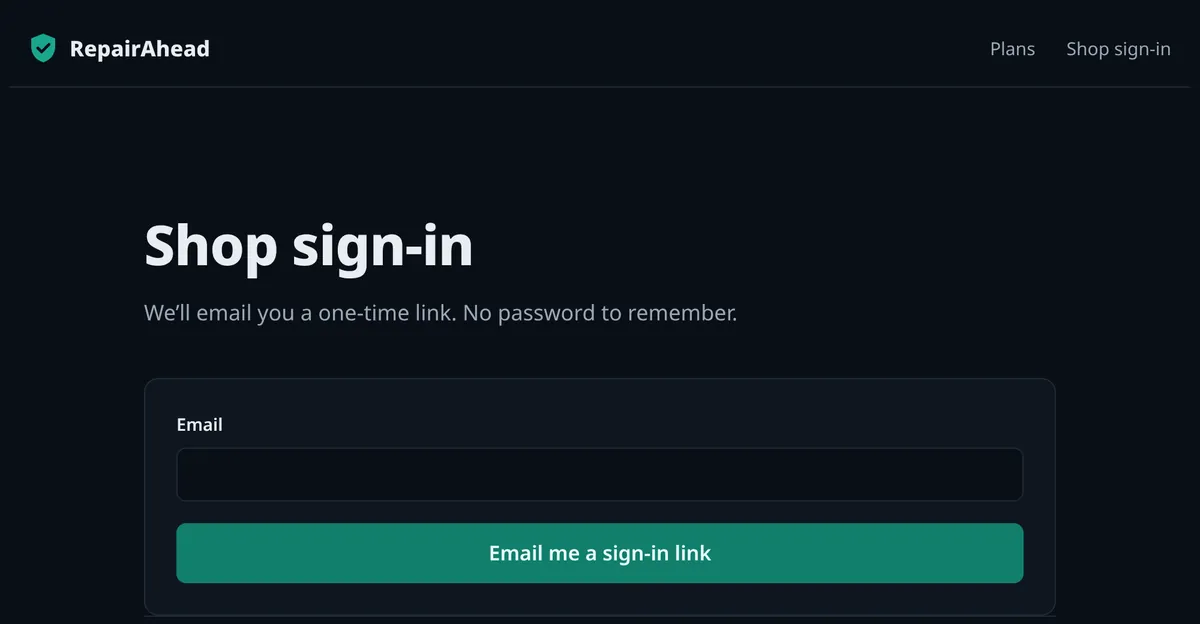
- Go to repairahead.com/login, or press Sign in at the top of any page.
- Enter the email your shop signed up with and press Email me a sign-in link.
- Open the email and click the link. It works once, for 20 minutes. Then press Sign in on the page it opens.
Good to know
- You stay signed in for 30 days on that computer or phone, unless you press Sign out.
- Your account has one email address. Sign-in links, reports and customer approvals all go to it. A shared inbox such as service@ or office@ keeps the front desk and the owner in the loop.
- Link opened on another device? That’s fine. A link in a report email that you open while signed out asks you to sign in, then takes you straight to that report.
- To change the email, open Manage billing, plan and invoices on your dashboard and update it there. See Billing, plan and account.
The link didn’t arrive
- Check spam or junk for an email from RepairAhead, and make sure you typed the email your shop signed up with. For privacy, the page says the same thing whether or not the address has an account.
- A link that’s older than 20 minutes, or already used, won’t work. Request a new one.
- Still nothing? Email hello@repairahead.com from your shop’s address.
Next: Set your prices →